 English
 عربى
عربى Español


Content
- 1 Introduction: The Foundation of Precision Technical Documentation
- 2 Understanding CAD Plotter Paper: Core Characteristics and Standards
- 3 Types of CAD Plotter Paper and Their Applications
- 4 Technical Specifications and Selection Criteria
- 5 Storage, Handling, and Plotting Best Practices
- 6 Cost Considerations and Operational Efficiency
- 7 The Future of CAD Plotter Media
- 8 Conclusion
Introduction: The Foundation of Precision Technical Documentation
In the world of computer-aided design (CAD), where digital precision meets physical reality, the choice of output medium is anything but trivial. CAD plotter paper serves as the critical physical substrate for architectural blueprints, engineering schematics, and construction drawings—documents where clarity, durability, and dimensional accuracy are non-negotiable. Unlike standard office paper, plotter media is engineered to withstand the rigors of technical use, from repeated handling on construction sites to long-term archival storage. The transition from traditional pen plotters to modern large-format inkjet and laser devices has expanded the variety of available media, making informed selection more important than ever. This comprehensive guide examines the types, properties, and best practices for CAD plotter paper, ensuring your valuable designs are reproduced with the fidelity and resilience they demand.
Understanding CAD Plotter Paper: Core Characteristics and Standards
CAD plotter paper is a specialized media category defined by several key attributes that distinguish it from conventional paper:
1. Dimensional Stability and Accuracy
The paramount requirement for any technical drawing medium is that it does not stretch, shrink, or distort. This is measured by its dimensional stability, typically expressed as a percentage of change under varying humidity conditions (e.g., <0.15% after 24 hours at 50% RH change). Inaccurate media can cause scale errors, where a measured distance on the plot no longer matches the digital design, potentially leading to costly construction or manufacturing mistakes.
2. Weight, Thickness, and Opacity
Weight is usually given in grams per square meter (gsm) or pounds per ream. Common weights include:
-
Lightweight (60-75 gsm): For proofing, check plots, or internal review.
-
Standard (80-90 gsm): The workhorse for most daily drawings.
-
Heavyweight (100-150+ gsm): For presentation drawings, final contract documents, or sheets that will undergo frequent handling.
Thickness (caliper) and high opacity prevent show-through, which is crucial for double-sided printing and ensuring clarity on complex, dense drawings.
3. Surface Treatment and Coatings
The surface, or finish, is engineered for specific printing technologies:
-
Inkjet-Receptive Coatings: Porous or micro-porous coatings rapidly absorb ink to prevent smudging, promote fast drying, and enhance color vibrancy and line sharpness.
-
Electrostatic/Laser Coatings: Designed to hold a electrical charge and accept toner particles for crisp, waterproof lines.
4. Industry Standards and Certifications
Reputable media often complies with standards like ISO 9706 (for permanence and aging) or is certified by major printer manufacturers (e.g., HP, Canon, Epson). This ensures compatibility, optimal performance with specific inks, and guaranteed longevity.
Types of CAD Plotter Paper and Their Applications
Selecting the correct type of media is the first step to achieving the desired outcome for your drawing.
-
Bond Paper
-
Description: An economical, uncoated wood-pulp paper. It is the most common and cost-effective type for everyday use.
-
Best For: Internal review plots, check prints, construction site drawings expected to have a short lifespan, and high-volume printing where cost is a primary concern.
-
Limitations: Lower durability; can tear easily when wet; ink may feather on uncoated varieties; not suitable for archival purposes.
-
-
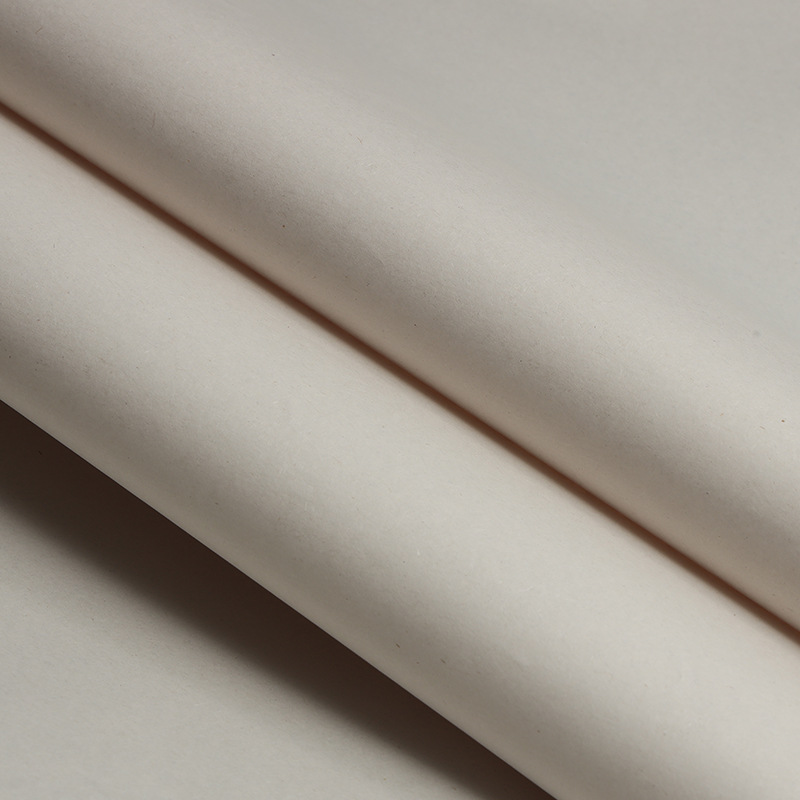
Vellum
-
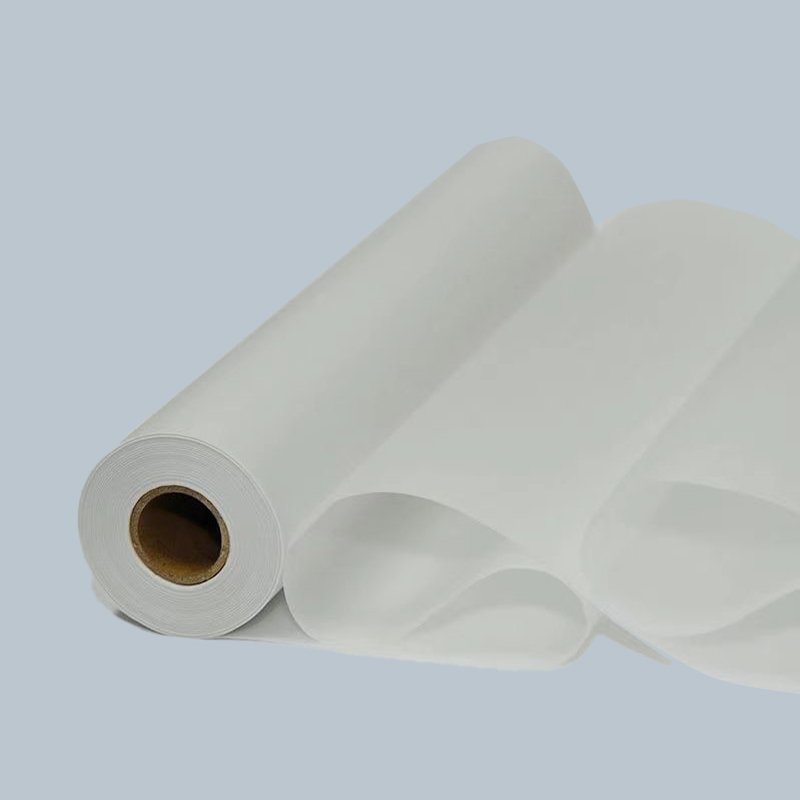
Description: A translucent paper with a classic, slightly frosted appearance. Traditionally made from 100% rag cotton, modern vellums often use high-quality wood pulp with special treatments for strength and transparency.
-
Best For: Architectural and engineering drawings where the ability to trace or overlay sheets is valuable. It is also used for diazo reproduction (blueprinting) and for presentation drawings where a traditional aesthetic is desired.
-
Key Property: Its translucency allows light to pass through, making it ideal for manual tracing or backlighting on a drafting table.
-
-
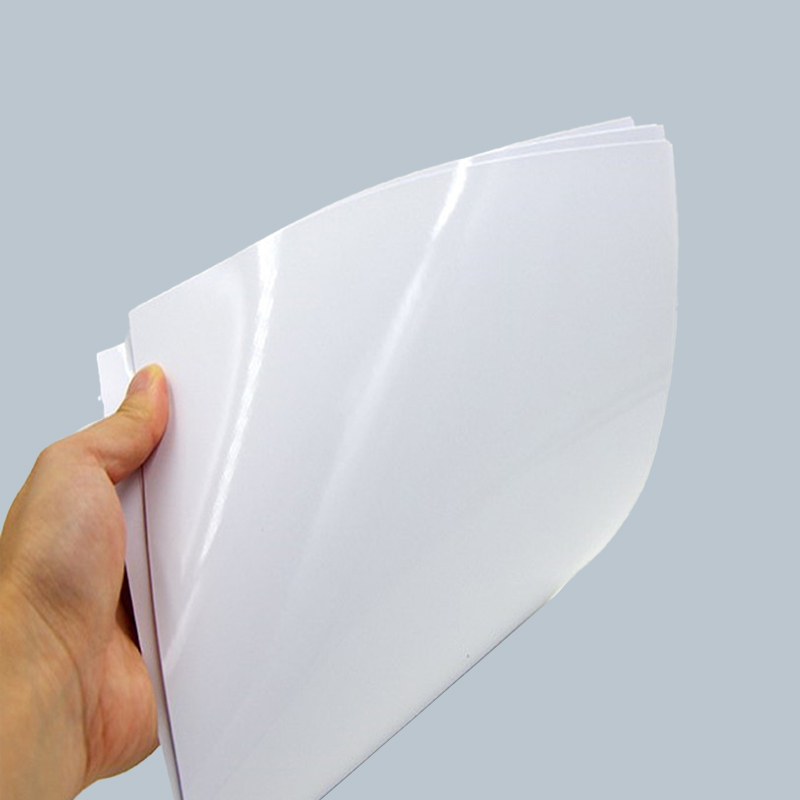
Matte Coated Paper / Premium Matte
-
Description: A bright white paper with a smooth, uniform inkjet-receptive coating. It provides excellent line sharpness, deep black density, and vibrant color reproduction without gloss.
-
Best For: Final presentation drawings, submission documents, architectural renderings, and any technical drawing where the highest print quality and professional appearance are required. It is the modern standard for high-quality inkjet plotting.
-
-
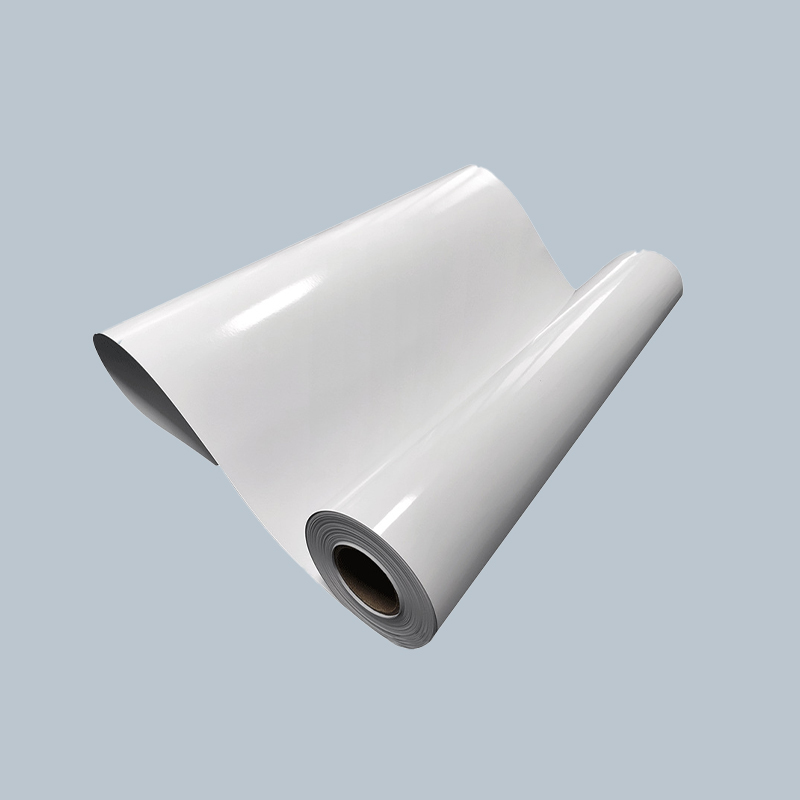
Polyester Film (Mylar®)
-
Description: A dimensionally stable, waterproof, and tear-proof plastic film. It is extremely durable and chemically resistant.
-
Best For: Master drawings intended for long-term archival (100+ years), tooling diagrams, GIS maps for field use, and any application where the drawing must survive harsh environments, repeated handling, or chemical exposure. It can be written on with permanent ink pens.
-
-
Tracing Paper
-
Description: A very lightweight, highly translucent paper designed specifically for manual tracing and overlay work.
-
Best For: Preliminary sketches, concept overlays, and light table work. It is rarely used as a final output medium for modern digital plotters due to its fragility.
-
Technical Specifications and Selection Criteria
Making an informed choice requires matching paper specifications to project and hardware requirements.
1. Choosing the Right Paper for Your Plotter Technology
-
Inkjet Plotters (Piezoelectric or Thermal): Must use inkjet-specific media. The coating is essential for proper ink absorption and drying. Using plain bond or vellum can result in severe bleeding, smudging, and poor color.
-
Electrostatic/Laser Plotters: Require dielectric-coated papers designed to hold an electrical charge. Using the wrong paper can cause jamming, poor toner adhesion, and damage to the printer's sensitive corona wires.
-
Pen Plotters (Legacy): Work best with smooth, hard-sized surfaces like vellum or bond to prevent fiber snagging and ink bleeding.
2. Understanding Roll vs. Sheet Media
-
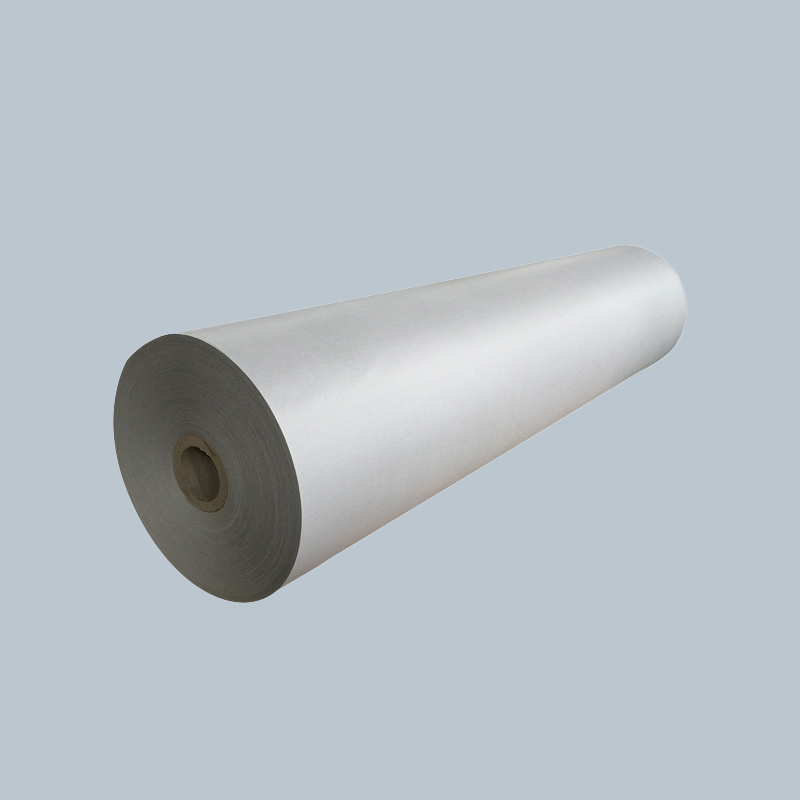
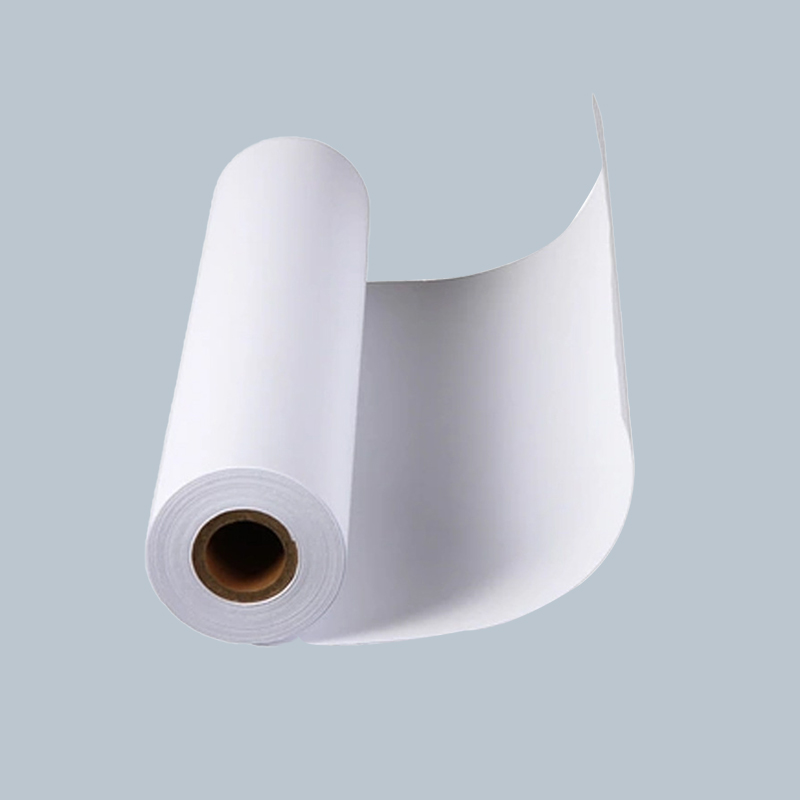
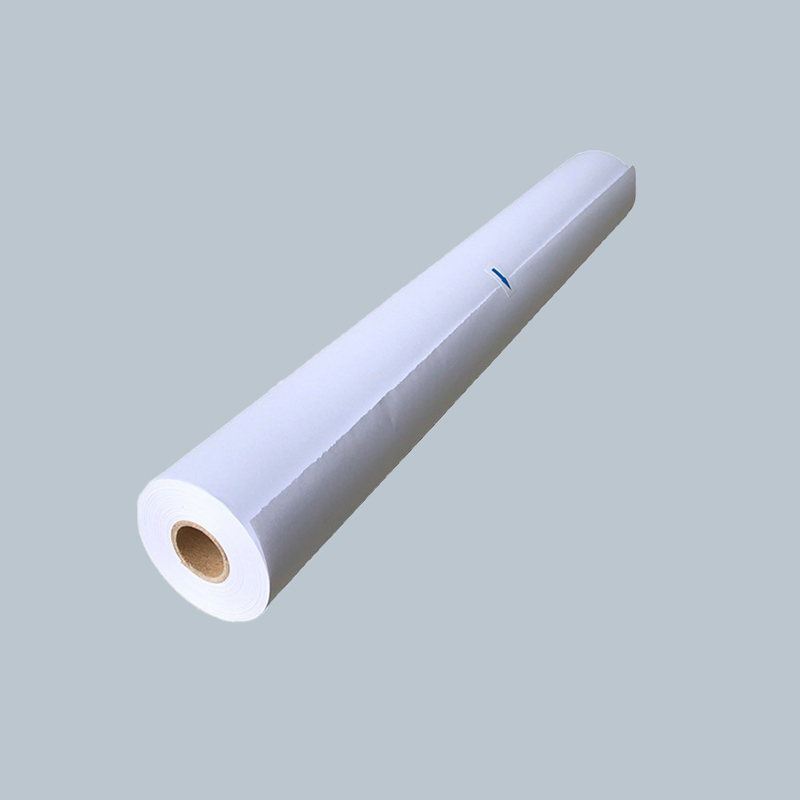
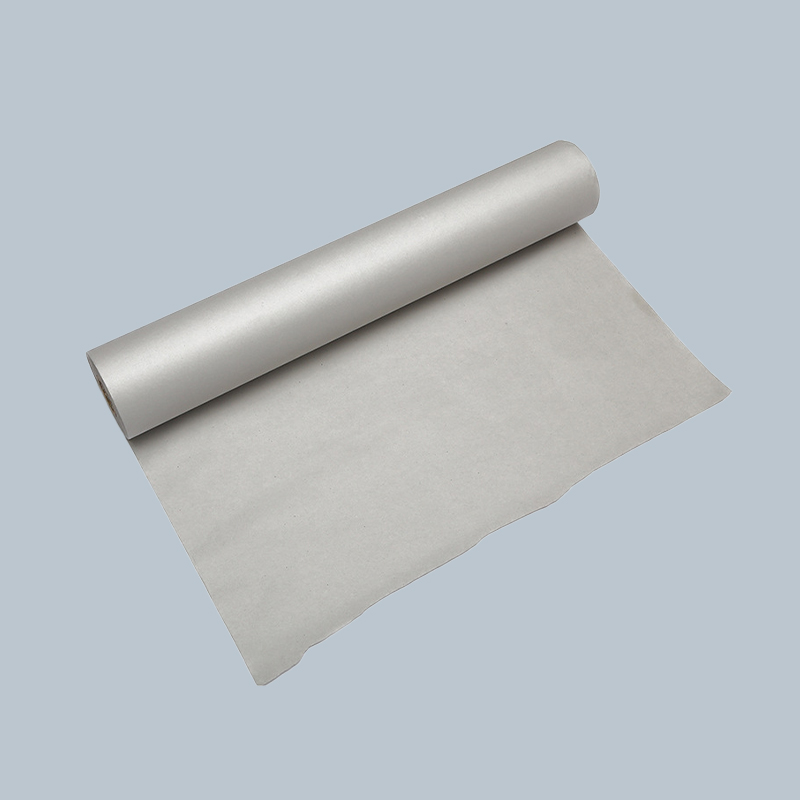
Rolls: Standard for large-format plotters. They minimize waste for large jobs and are more economical. Key specifications are roll width (e.g., 24", 36", 42") and roll length (e.g., 150 ft). Requires a plotter with a roll feeder.
-
Sheets (Cut-Size): Ideal for printing specific, standard-sized drawings (e.g., ANSI D, Arch C) without waste. Easier to handle for small batches or mixed-media printing.
3. Critical Specifications to Check
-
Width and Core Size: Ensure the roll width matches your plotter's maximum and the core size (typically 2" or 3") fits your plotter's spindle.
-
Opacity: Look for a high opacity rating (>94%) to prevent see-through.
-
Brightness (CIE/ISO): A higher brightness (e.g., 96+) provides better contrast, making drawings easier to read.
-
Ink Compatibility: Verify the paper is optimized for the type of ink in your plotter (e.g., dye-based, pigment-based, latex). Pigment inks generally offer superior water and fade resistance.
Storage, Handling, and Plotting Best Practices
Proper care extends media life and ensures perfect output.
-
Storage Conditions:
Store rolls and sheets flat in a cool, dry, and dark environment. The ideal temperature is 20-25°C (68-77°F) with 40-50% relative humidity. Avoid attics, basements, or areas near HVAC vents. Extreme humidity can cause waviness, curling, or dimensional changes, while heat can degrade coatings. -
Acclimatization:
If media is delivered from a cold truck or stored in a different climate, let it acclimate in the plotting room for 24-48 hours still in its sealed packaging. This prevents condensation and allows the paper to stabilize, reducing the risk of misfeeds, curling, and registration errors. -
Plotter Settings and Calibration:
-
Always select the exact media type in your plotter driver or RIP software. This adjusts ink saturation, drying heat, and feed speed.
-
Perform regular print head alignments and media calibration to ensure accurate paper advance and perfect registration for tiled drawings.
-
For critical jobs, run a test plot to check for banding, color accuracy, and line weight fidelity.
-
-
Handling Output:
Allow inkjet plots to dry fully before stacking, rolling, or handling—especially when using heavy ink coverage. Use drying racks if available. When rolling drawings for transport, roll with the printed surface facing outward to prevent cracking of the ink layer.
Cost Considerations and Operational Efficiency
Balancing quality with budget is an ongoing process.
-
Total Cost of Operation (TCO):
Look beyond the sticker price. Consider:-
Yield: A heavier, more expensive roll may have more linear feet.
-
Waste Rate: Poor-quality paper leads to misprints and jams.
-
Printer Wear: Off-spec media can accelerate wear on print heads, feeders, and rollers.
-
Labor Time: Reprints due to poor output quality have a hidden labor cost.
-
-
Matching Media to Project Phase:
Implement a tiered media strategy:-
Proofing/Internal Review: Use economical bond.
-
Client Reviews & Markups: Use standard matte coated or vellum.
-
Final Deliverables/Presentation: Use premium matte coated or archival film.
This approach controls costs without compromising on final product quality.
-
The Future of CAD Plotter Media
The market continues to evolve in response to new technologies and demands.
-
Sustainable and Recycled Media: Growing demand for FSC-certified papers, media with high post-consumer waste (PCW) content, and fully recyclable polyester films.
-
Integrated Digital Workflows: Media with pre-printed QR codes or registration marks for automated scanning, filing, or augmented reality overlays in the field.
-
Enhanced Durability for On-Site Use: Development of tougher, water-resistant, and even tear-resistant "paper" substrates that bridge the gap between traditional bond and plastic film, designed for the rigorous demands of construction site trailers.
-
Specialty Functional Media: Such as electroconductive papers for printing circuit prototypes or photo-grade media for ultra-high-resolution architectural visualizations directly from the plotter.
Conclusion
CAD plotter paper is far more than a passive consumable; it is an integral component of the technical communication chain. The correct choice preserves design intent, ensures accuracy in the field, and conveys professional credibility. By understanding the distinct properties of bond, vellum, matte coated, and film—and by rigorously matching these to your printer technology, project phase, and environmental requirements—you can achieve reliable, high-quality outputs that stand the test of time and use. In an industry where a single drawing error can have monumental consequences, investing time in selecting and managing your plotter media is not just good practice—it's a fundamental aspect of professional risk management and quality assurance. Let your final plotted drawing be a true and durable reflection of the precision inherent in your digital design.