 English
 عربى
عربى Español


Content
Selecting the right CAD plotter paper is crucial for achieving precise and high-quality results in technical drawings, architectural plans, and engineering designs. The choice of paper directly affects print clarity, line sharpness, ink absorption, and the overall presentation of drawings. To make the best selection, it is important to consider both the type of plotter being used and the compatibility of the paper with the ink technology.

Understanding Plotter Types and Their Requirements
Different plotter technologies have unique requirements that influence which CAD paper works best. The two main plotter types are inkjet plotters and pen plotters, each with distinct characteristics.
Inkjet Plotters
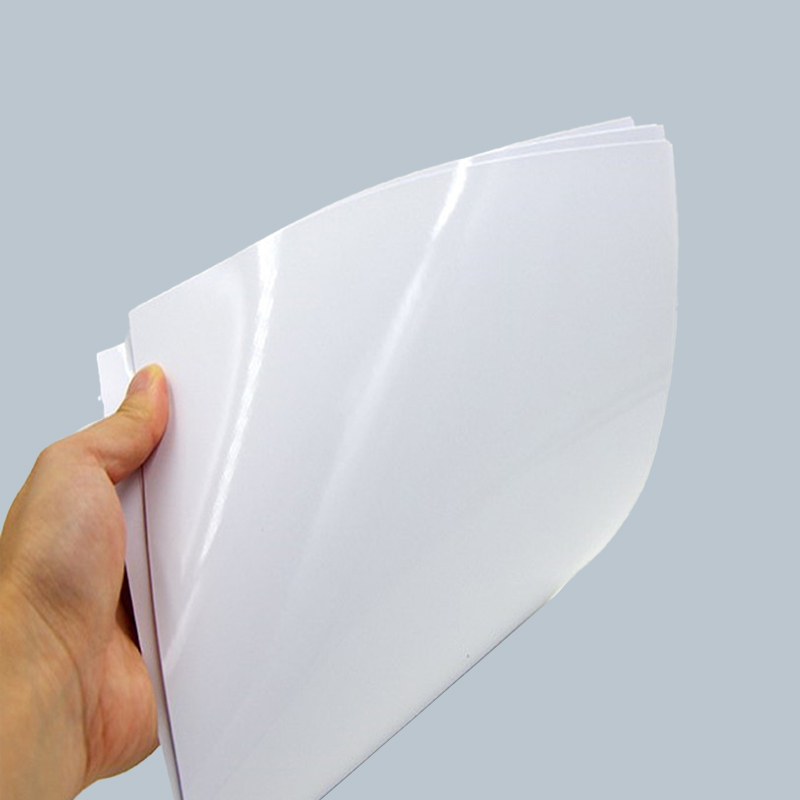
Inkjet plotters spray liquid ink onto the paper to create precise lines and details. They require paper with excellent ink absorption and uniform surface texture to prevent smearing, feathering, or bleeding. For best results, coated or semi-coated CAD plotter papers are often recommended, as they allow ink to dry quickly and produce sharper images.
Pen Plotters
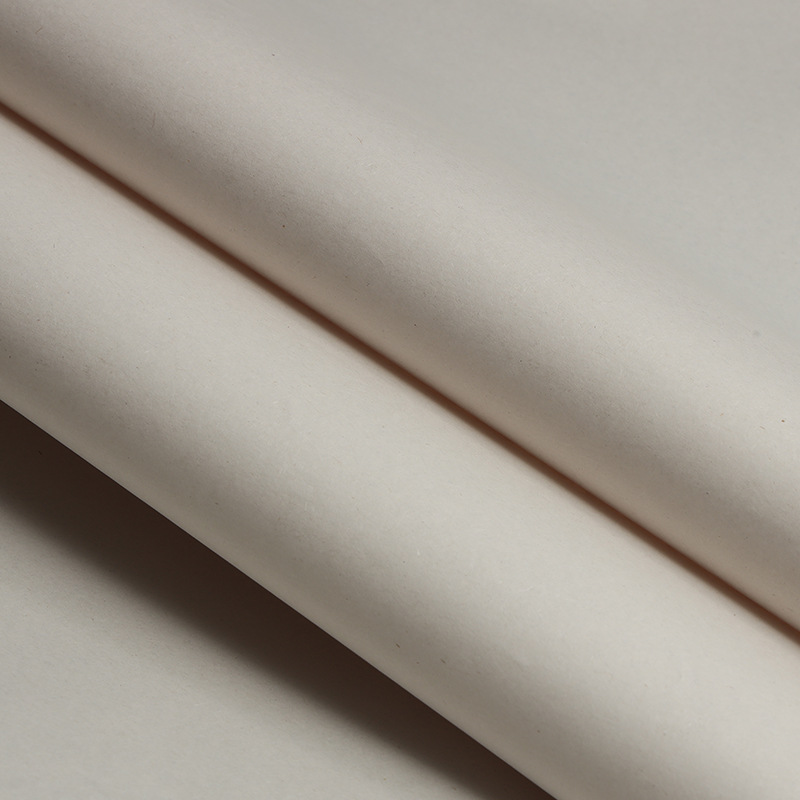
Pen plotters use a mechanical arm to draw lines with pens directly on the paper. These plotters demand paper that is smooth and strong enough to withstand mechanical contact without tearing or wrinkling. Uncoated paper with a consistent weight and texture is ideal, ensuring the pen glides smoothly while maintaining line precision.
Ink Compatibility Considerations
The type of ink used by the plotter also determines which paper is suitable. Ink can be water-based, pigment-based, or dye-based, and each interacts differently with paper surfaces.
Water-Based Ink
Water-based inks are commonly used in many office and home inkjet plotters. These inks require paper that absorbs moisture evenly and dries quickly. Using the wrong paper may result in smudges, curling, or extended drying times. Semi-coated or treated CAD plotter paper can optimize print quality for water-based inks.
Pigment-Based Ink
Pigment inks are more resistant to fading and water exposure, making them suitable for archival drawings. They require paper with a stable, smooth surface that allows the pigment particles to adhere without feathering. Heavyweight coated or uncoated CAD papers are recommended depending on the desired finish.
Dye-Based Ink
Dye-based inks produce vibrant colors but are more prone to bleeding on porous paper. Choosing high-quality coated CAD plotter paper can prevent color spread and maintain crisp lines for technical drawings and diagrams.
Other Key Factors in Selecting CAD Plotter Paper
Beyond plotter type and ink compatibility, other factors influence CAD paper performance.
- Paper Weight: Heavier paper (typically 90–120 gsm) provides durability and prevents curling during large-format printing.
- Surface Finish: Coated surfaces enhance ink sharpness and reduce absorption issues, while uncoated paper allows pen plotters to draw smoothly.
- Width and Roll Length: Ensure the paper fits the plotter specifications and can accommodate large-format drawings without excessive splicing.
- Compatibility with Plotter Media Handling: Paper stiffness and texture must match the plotter’s feeding mechanism to prevent jams or misalignment.
Comparison Table: CAD Paper for Different Plotters and Inks
| Plotter Type | Ink Type | Recommended Paper | Key Benefits |
| Inkjet | Water-Based | Semi-Coated CAD Paper | Quick drying, crisp lines, minimal smudging |
| Inkjet | Pigment-Based | Heavyweight Coated or Uncoated CAD Paper | Archival quality, stable ink adhesion |
| Inkjet | Dye-Based | Coated CAD Paper | Vibrant colors, prevents bleeding |
| Pen Plotter | Ink Pen | Uncoated Smooth CAD Paper | Smooth lines, prevents tearing |
Conclusion
Selecting the right CAD plotter paper requires careful consideration of both the plotter type and the ink used. By understanding the requirements of inkjet and pen plotters, along with ink characteristics such as water-based, pigment-based, or dye-based, users can ensure precise, high-quality prints. Additionally, factors such as paper weight, surface finish, and roll dimensions play a crucial role in achieving optimal results. Making informed choices in CAD paper selection improves drawing accuracy, enhances print durability, and supports professional-quality outputs in architectural, engineering, and design projects.